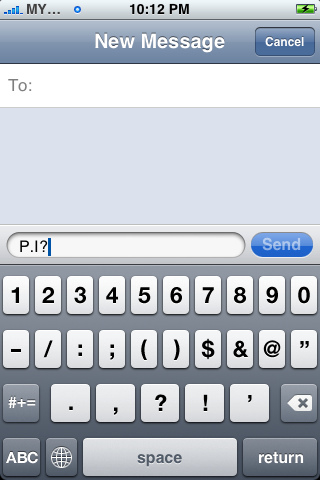
Most Wanted Tips For Iphone 3G
We believe every single iPhone users would like to know all of the tips and tricks for every feature of iPhone. In fact, if you dig and explore a little deeper, you will know that you can actually do a lot more on your iPhone. With these lesser-known goodies, you can easily get the most out of your iPhone.
How to Disable iPhone 3G GPRS or Edge Connection
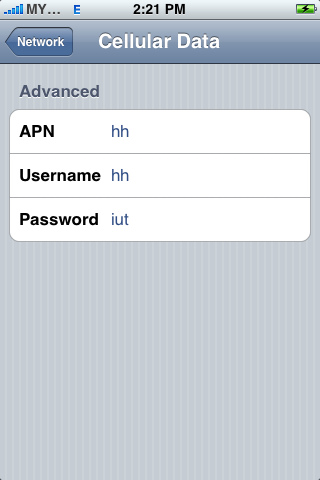
Tap "Setting - General - Network - Cellular Data Network". In the “APN, Username and Password" field, simply type in some words so iPhone will not pass the correct values to service providers. Restart your iPhone if necessary.
How to Set Content Restriction
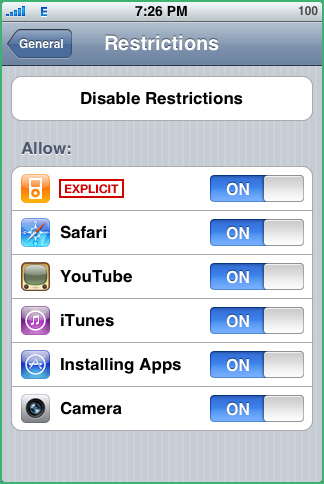
You can set restrictions for iPod content for the use of some applications on iPhone. For example, parents can restrict explicit music from being seen on playlists, or turn off YouTube access entirely.
Just go to “General - Restrictions” then tap Enable Restrictions and enter a four-digit passcode to restrict your content.
How to Customize iPhone Wallpaper as Google Calendar and Notes
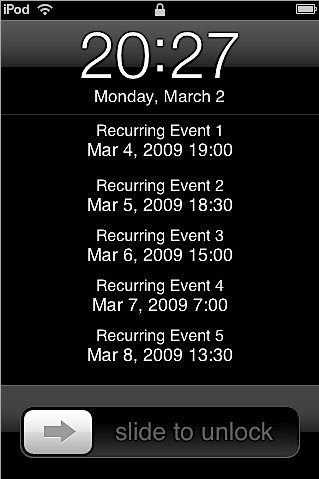
gCalWall Lite enables users to add their upcoming Google Calendar appointments to their home/unlock screens.
How to Train your iPhone to Learn New Words
You can train your phone to “remember” words if you type them repeatedly, but this tutorial will teach you a better way to train your iPhone to learn new words on the fly.
How to Select Other Domain Name Endings
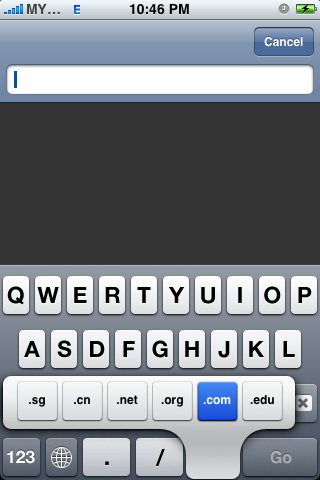
When you type a website URL in the address bar, you can now hold down the ".com" button to get a selection of other domain name endings and tap on any of the endings to insert them in the address bar. [via tuaw]
How to Take Screen Shot
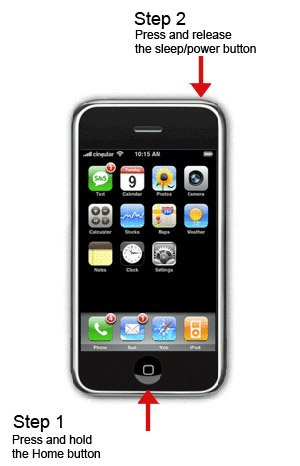
Hold the "home" button, then hit the "power/sleep" button, the screen will momentarily flash, and the iPhone’s current screen contents will be saved to the Camera Roll.
How to Hide SMS Preview
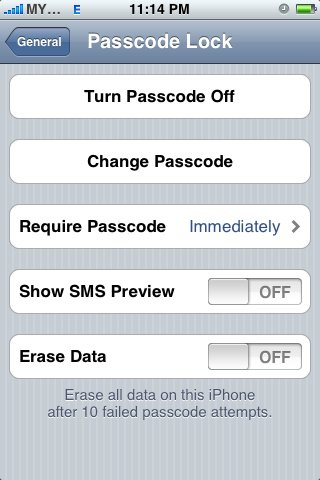
With Show SMS Preview disabled you will only get a generic "New Text Message".
Go to "General > Passcode Lock" and enter a 4-digit passcode. After that disable "Show SMS Preview".
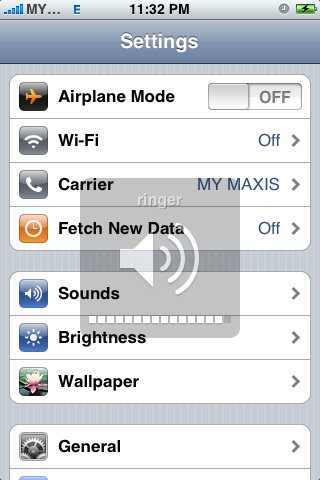
How to Increase the Volume of the Ringer
Your iPhone’s ringer volume issue can be resolved by using a custom ringtone rather than ringtones currently available on the iPhone.
How to Save Images in Safari and Mail
Just touch and hold an image in Safari or Mai, an action sheet will be presented to enable you to save the image. The image will get stored in the “Saved Photos” library of the Photos app.

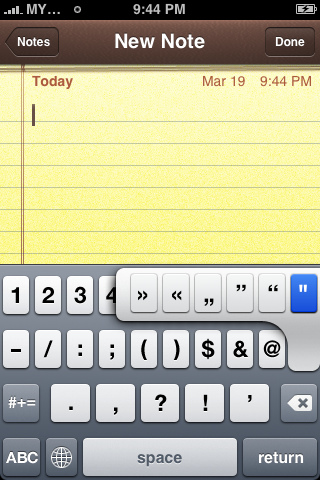
How to Insert Extra Punctuation Keys
Touch and hold the punctuation key and you get a set of additional keys to choose from.
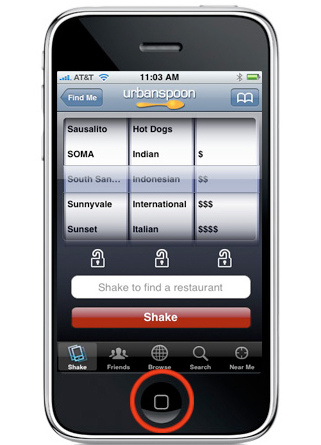
How to Force Quit An App
Have you ever been using an app and it’s become completely frozen? You can actually apply a force quit on it by pressing the Home button for at least six seconds.
How to Switch Punctuation Keys to Alphabet Keys Quickly
Mode changes in between the punctuation keys and alphabet keys are pretty annoying. To solve it, just press the “.?123″ key, but don’t lift your finger as the punctuation layout appears. Slide your finger a half inch onto the period or comma key, and release. The ABC layout returns automatically.