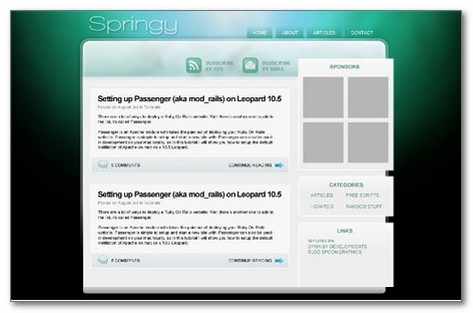
Essential Web Designers Guide on PSD to HTML/CSS
w3-markup.com
Same concept as Lemberg where discount is offered if the time for delivery is longer.
Turnaround – 1 day (for higher price)
Starting price – $169
Additional pages – $127 (depends on # of pages and turnaround)
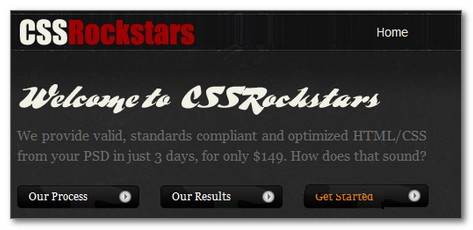
CSS Rockstars
Turnaround – 3 Days
Starting price – $149
Additional pages – $79
In addition to traditional slicing this company offer implementation of themes to most popular CMS systems at an additional cost.
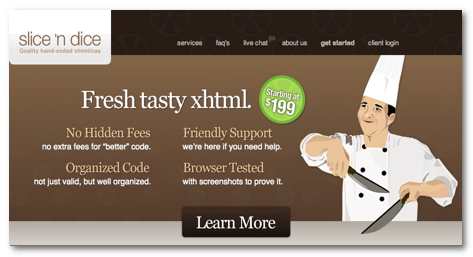
Slice ‘n Dice
Turnaround – 1 business day (for higher price)
Starting price – $199 (6 days turnaround)
Additional pages – $150
In addition to traditional slicing this company offer implementation of themes to most popular CMS systems at an additional cost.
Image2Markup
Turn around – 2-3 days (4 hour at higher cost)
Starting price – $99
Related Resources
- Turbo HTML
- PSD Slicer
- YoDiv
- XHTMLizers
- XHTML4U.com
- xHTML Coding
- PSD Converter
- Markup4U
- Design 2 Markup
- Finely Sliced
- PSDCutout
- 9xhtml
- XHTML Team
- Charm HTML
- psdSlicing
- slicemydesign
- SliceIt
- XHTML Slicer
- XHTMLGenius
- XHTMLized
- CSS:Sage
- The Choppr
- Ipraxa
- PSD to XHTML
- Simon’s Portfolio
- Web Refill
- Deslice
- 2html
- Instant Coding
- PSDgator
Tutorials for Converting PSD to HTML, CSS…Website template
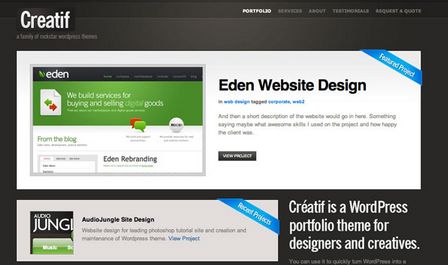
From PSD to HTML, Building a Set of Website Designs Step by Step
This tutorial is going to take you through a entire process of getting from Photoshop to completed HTML. We’re going to build out a set of 4 PSD mockups of a website that eventually will become a WordPress theme. It’s a massive tutorial, so if you’re going to follow through to the end, make sure you have a few hours to spare!
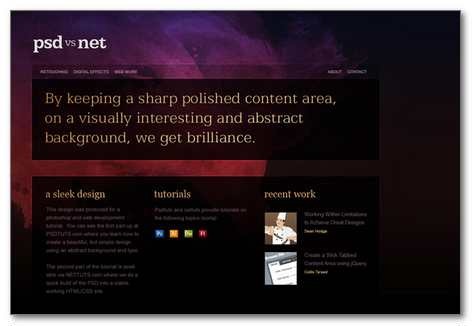
Build a Sleek Portfolio Site from Scratch
With PSDTUTS providing a great file to start off with, NETTUTS delivers yet another great tutorial on coverting a PSD to HTML for your own Portfolio website design.
Encoding a Photoshop Mockup into XHTML & CSS
Continuing from a recent tutorial, Create a Vibrant Blog Design in Adobe Photoshop, we’ll now look at taking the concept and implementing it into an actual webpage constructed in xhtml and css. By exporting the imagery from Photoshop and coding up the page we’ll produce a working example of the overall blog design.