How To Support Internet Explorer
Everyone has been going on about how we should use CSS3 more and all of the possibilities and flexibility that come with it, but that we should still consider IE6 and other troubling browsers. But how do we actually do that? How do we create websites that are up to date with the latest coding techniques but that are also usable for people experiencing the Web on Internet Explorer?
Tools
Modernizr
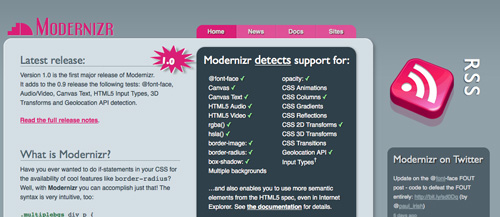
Modernizr is a little JavaScript that is quite useful if you are using advanced CSS properties. It adds some classes to the html tag in your pages, to see whether a browser supports certain CSS features, such as:
@font-facergba()hsla()border-imageborder-radiusbox-shadow- Multiple backgrounds
opacity- CSS animations
- CSS columns
- CSS gradients
- CSS reflections
- CSS 2-D transforms
- CSS 3-D transforms
- CSS transitions
Take border-image. When a page loads in a browser that supports the property, it output borderimage. If the browser doesn’t support it, it outputs no-borderimage.
Modernizr doesn’t enable these features in browsers that don’t support them, but rather gives you important information (in the form of classes) that you can use in your style sheets to apply distinct selectors and properties to elements.
IE-7.js
IE-7.js makes IE5+ behave like IE8, supporting more advanced selectors and fixing some rendering bugs. Here’s an excerpt from the creator’s website:
- Added support for advanced selectors:
>,+and~; attribute selectors;:hover,:active,:focusfor all elements;:first-child,:last-child,:only-child,:nth-child,:nth-last-child;:checked,:disabled,:enabled;:empty,:not;:before,:after,:content;:lang. - It uses the standard box model in standards and quirks mode.
- Supports
min-andmax-widthand-height. - Supports PNG alpha transparency (but doesn’t solve the PNG problem for repeated or positioned backgrounds).
The disadvantage of this technique is that JavaScript has to be enabled for it to work, which is unfortunate. So, you will have to be careful to give users who have disabled JavaScript an acceptable version of your website, especially if some behaviors will not work or, worse, if the lack of JavaScript will break your layout.
Examples
As they say it, this is easier said than done. So, we’ll show that these ideas can actually be put into practice with some nice examples. These are websites we’ve come across that render differently in different browsers. In some cases, the differences are quite noticeable, but the developers have chosen to embrace those differences.
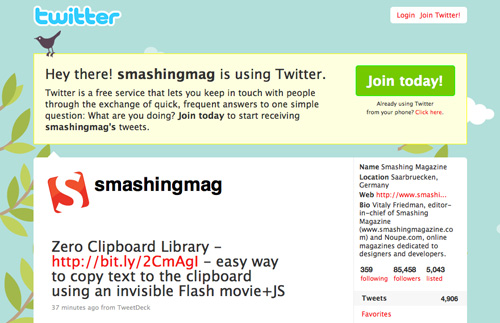
Twitter in Firefox
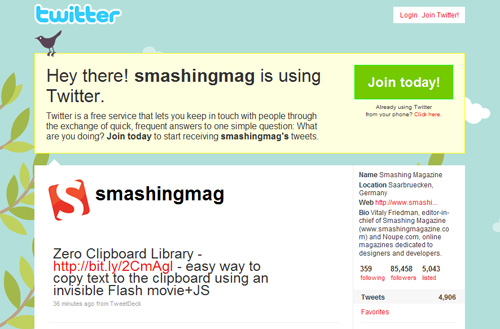
Twitter in IE6
WordPress
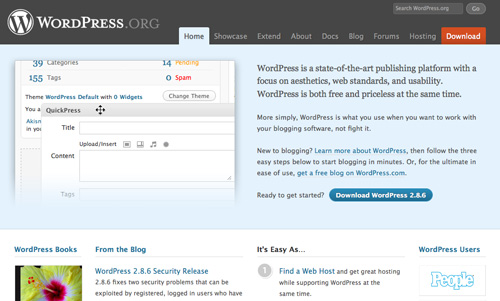
WordPress in Firefox
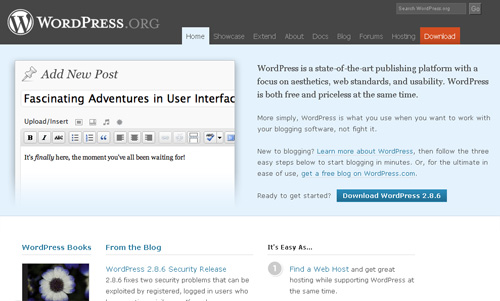
WordPress in IE6
WWF
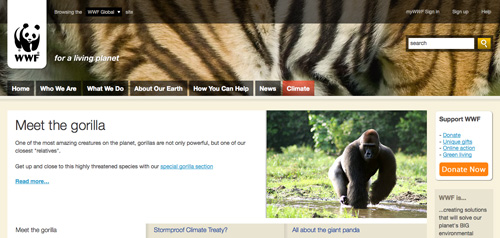
WWF in Firefox
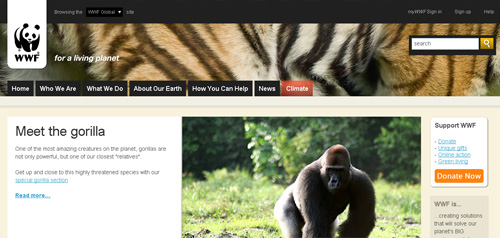
WWF in IE6
Conclusion
Remember that the purpose of this post is not to teach you how to hack IE or deal with its quirks or even how to achieve effects by resorting to JavaScript. Rather, it is to explain how we can design and build websites knowing that differences will arise between browsers.
You won’t see people rioting over the lack of rounded corners on Twitter or WordPress; they aren’t even upset by it, because those differences don’t fundamentally break the websites. People can still use the websites and have a good experience. In most cases, they won’t even notice it!
All we have to do now is explain this politely but seriously to our clients, so that we can all contribute to the ever-evolving Web.